




Hot Cups vs Cold Cups: What’s the Difference?
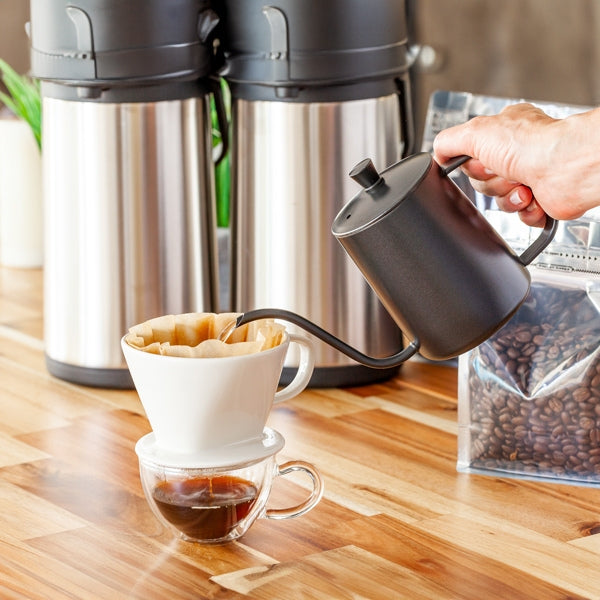
Treating hot and cold cups as interchangeable is a costly mistake — the right choice protects your staff, guests, and margins.


Treating hot and cold cups as interchangeable is a costly mistake — the right choice protects your staff, guests, and margins.

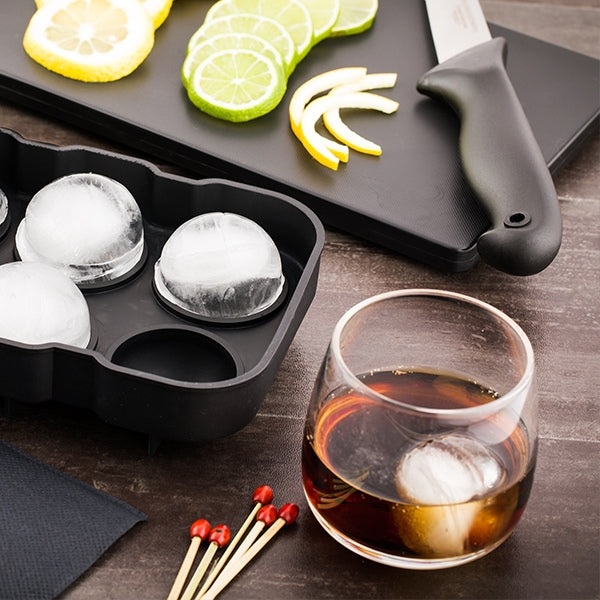
From scalded hands to leaking lids, the right disposable cup is more critical to your beverage program than you might think.

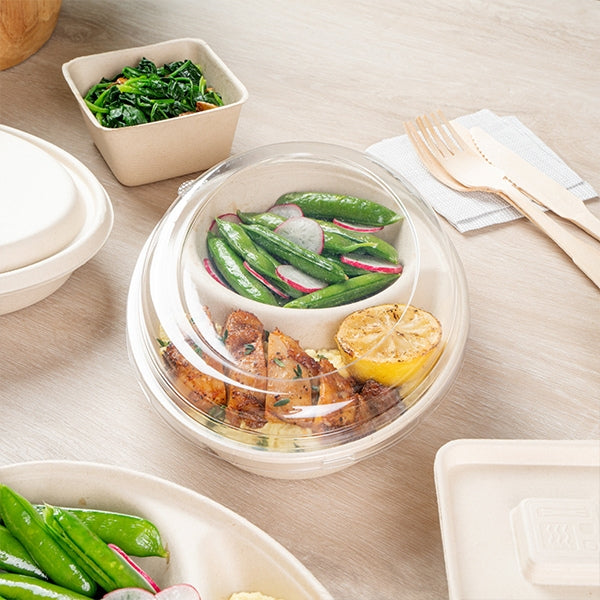
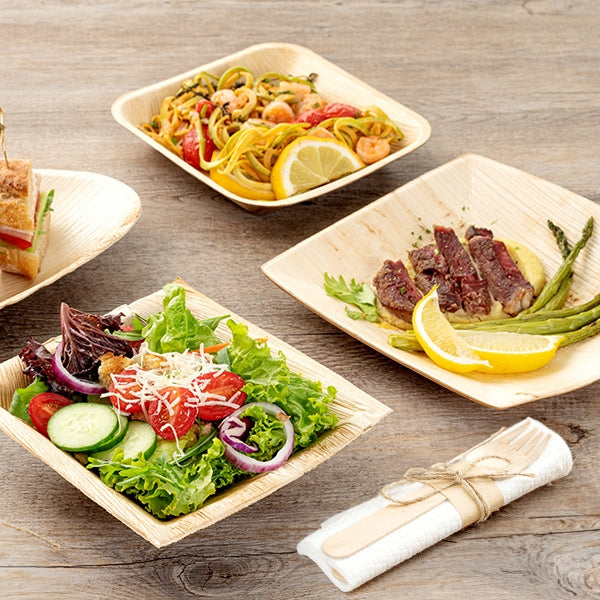
The box your food arrives in speaks before your chef does — find out what bulk catering pros demand from every container.

Choosing the right disposable soup container is the difference between a loyal customer and a one-star review — know what specs matter.

Are you ready to bottle your own sriracha sauce and enter the booming sauce market? Our guide covers the key steps, from crafting your unique recipe to choosing the perfect packaging. Explore how to build a successful sauce brand.

Dogs love to dine out, too! Allow families to bring dogs to your restaurant and create a menu catered to them so that they go home full as well. Find out how to create a pup-ular dog menu your furry diners will love.

First impressions are important and your bubble tea packaging is the first thing customers notice. Learn about the boba tea supplies your tea bar or coffee shop should have to enhance your customers’ drinking experience.
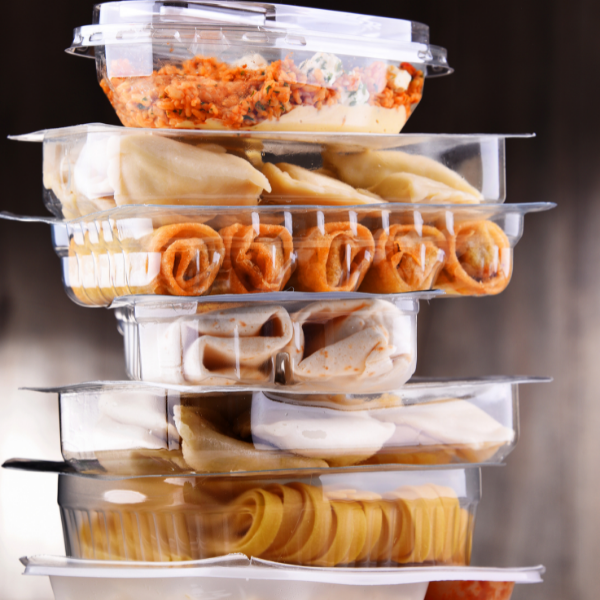
The demand for grab-and-go items continues to rise which provides you with the perfect opportunity to attract new patrons and build a loyal customer base. Learn about the 5 different ways you can increase your grab-and-go sales.
